
Managing CRM integrations in 2025 is more complex than ever, but iPaaS platforms make it easier. With businesses using an average of 112 SaaS apps, fragmented data silos are a growing challenge. iPaaS platforms simplify integration with pre-built connectors, automation tools, and robust security, helping companies cut operational costs by 40% and boost efficiency by 30%.
Here are the top iPaaS platforms for CRM integration in 2025:
- APPSeCONNECT: Affordable, scalable, and ideal for small to mid-sized businesses with pre-built CRM connectors and strong security.
- Workato: Low-code/no-code platform with 1,200+ connectors and advanced automation for streamlined workflows.
- Boomi: Cloud-based solution with AI-driven automation, excellent B2B/EDI support, and scalability for enterprises.
- MuleSoft: API-led, enterprise-focused platform offering reusable APIs and seamless Salesforce integration.
- Celigo: Fast deployment with pre-built ecommerce and ERP integrations, designed for mid-market businesses.
Quick Comparison
| Platform | Best For | Key Features | Pricing | Ease of Use | Security Certifications |
|---|---|---|---|---|---|
| APPSeCONNECT | Small to mid-sized businesses | Pre-built connectors, scalability | Affordable | High | GDPR, ISO 27001, SOC 2 |
| Workato | Automation-focused workflows | 1,200+ connectors, low-code tools | Premium | Moderate | PCI-DSS, ISO 27001, HIPAA |
| Boomi | Enterprise integrations | AI-driven automation, B2B/EDI | Mid to High | High | FedRAMP, SOC 1/2, HIPAA |
| MuleSoft | API-centric enterprises | Reusable APIs, Salesforce focus | High | Moderate | ISO 27001, PCI DSS, HIPAA |
| Celigo | Mid-market companies | Pre-built ERP integrations | Mid-range | High | SOC 2, GDPR, HIPAA |
Each platform offers unique strengths, so your choice depends on your business size, integration needs, and budget. Dive into the article for a detailed breakdown of features, scalability, automation, and security for each platform.
Webinar: Build a CRM integration in 20 minutes
1. APPSeCONNECT
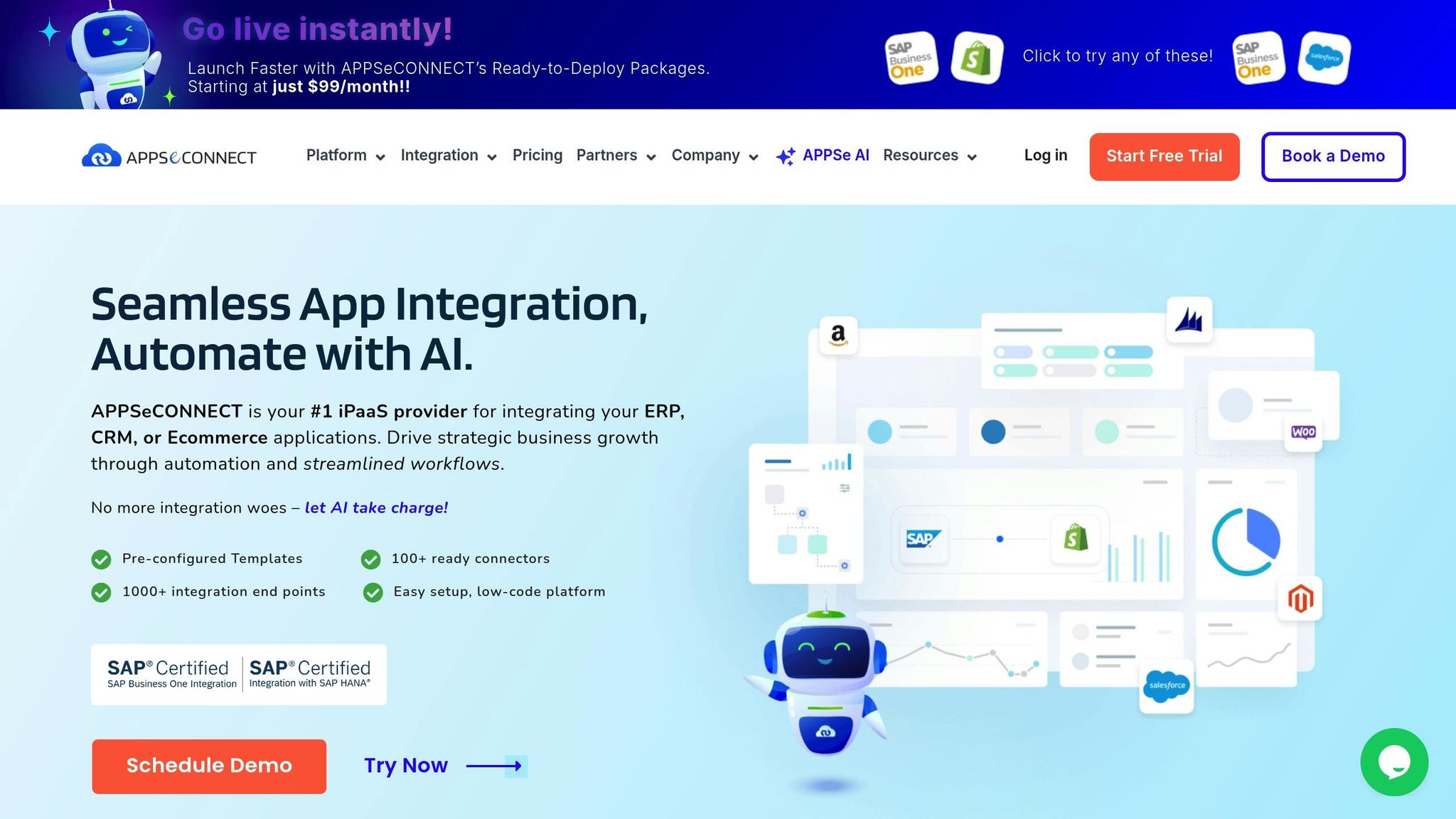
APPSeCONNECT connects ERP, CRM, and eCommerce systems seamlessly. With more than 100 ready-to-use connectors and over 1,000 integration endpoints [4], it has earned a stellar 4.8-star rating on Capterra, backed by feedback from over 100 users [6].
CRM Connectors
APPSeCONNECT integrates with leading CRMs like Salesforce, Microsoft Dynamics 365, HubSpot, Zoho CRM, Pipedrive, SugarCRM, Zendesk Suite, Salesforce Marketing Cloud, and Zoho CRM Plus. These integrations come with pre-configured templates to sync customer, product, and sales data effortlessly [4]. A user from the automotive sector shared:
"APPSeCONNECT is very useful and successful for a 2‑way sync between SAP B1 and Zoho CRM."
- Murat O., Automotive [5]
In another instance, a major industrial equipment manufacturer used APPSeCONNECT’s pre-configured packages to integrate SAP ECC, Magento, and Salesforce, which boosted their operational efficiency and growth [2].
Scalability
Built with scalability in mind, APPSeCONNECT supports businesses as they grow more complex, especially in an era where organizations use an average of 371 SaaS applications [3]. A user summed it up well:
"The APPSeCONNECT platform can grow with your business. This makes it easy for you to accommodate growing integration needs. You can also scale down whenever required."
The platform handles anywhere from 50 to 10,000 daily orders, ensuring real-time synchronization between eCommerce and ERP systems [3]. Thanks to its microservices architecture, it supports horizontal scaling and allows businesses to create custom connectors using its connector SDKs [4].
Automation
When it comes to automation, APPSeCONNECT shines by simplifying business processes. Its user-friendly design makes it easier to learn compared to many enterprise-level tools [2]. For example, PRANA ORGANICS automated their entire business cycle by integrating their ERP with other applications:
"APPSeCONNECT is easy to use and maintain after implementation. Our ecommerce platform is now connected to our SAP, which is also connected to our third‑party logistics, so the process of receiving and invoicing orders is completely automated and is saving us a lot of time!"
- Erika Weihmayer, PRANA ORGANICS [4]
The platform also improves cash flow by integrating finance and accounting processes between ERP and other applications. Companies like Eastern Skateboard Supply have used these features to streamline operations, saving time and boosting productivity [4].
Security/Compliance
Security is a top priority for APPSeCONNECT. The platform uses AES-256 encryption for data at rest [8] and encrypted secure socket connections to protect data in transit [7]. By hosting on Microsoft Azure Web Services, it benefits from advanced security measures for both physical and cloud-based infrastructure [7]. Other security features include TLS 1.2 connectivity, SHA256RSA certificates, and robust compliance standards like ISO 27001:2013, SOC 2 (Type II), and GDPR [7].
APPSeCONNECT also offers enhanced security options such as Single Sign-On (SAML), Role-Based Access Control (RBAC), Two-Factor Authentication (2FA), IP allow listing, and detailed audit logs. Its GDPR compliance, announced in 2018, ensures smooth operations for global and EU customers.
User Experience
The platform emphasizes ease of use with its intuitive interface and pre-built connectors [4]. Hans Engstrom from Christiania Bikes shared his positive experience:
"Our experience with APPSeCONNECT is great and the teamwork has been both professional and fast."
- Hans Engstrom, Christiania Bikes [4]
By simplifying data synchronization, APPSeCONNECT reduces the need for manual intervention, saving time and effort.
It supports integration across all types of IT infrastructures – on-premises, cloud, and hybrid – making it accessible to businesses with diverse technical setups. These features make APPSeCONNECT a key player in the evolving world of CRM integration.
2. Workato
Workato is a low-code/no-code platform designed to simplify workflows and integrate applications across both cloud and on-premises systems. With more than 1,200 pre-built connectors and ready-to-use accelerators, it helps businesses streamline their CRM integration processes efficiently [17][18].
CRM Connectors
Workato offers a range of pre-built connectors for popular CRM platforms like Salesforce, Microsoft Dynamics 365, HubSpot, and Zoho CRM [12]. Additionally, universal and community connectors enable seamless integration with nearly any application [12][13].
Take the Pipedrive connector, for example. It allows businesses to manage deals, activities, and contacts while automating sales workflows based on specific triggers [14]. It also supports creating and managing products and their variations directly within Pipedrive [14].
For Zoho CRM, Workato has introduced "New or Updated" batch triggers for Contacts and Leads, which improves performance and optimizes task usage [15]. Meanwhile, its integration with Microsoft Dynamics 365 allows users to easily extend and customize workflows to meet unique business needs, leveraging the platform’s robust foundation [16].
All these connectors integrate seamlessly with Workato’s automation engine, making CRM processes more efficient.
Automation
Workato’s automation system revolves around a visual "recipe" builder, enabling users to create, test, and deploy automations without writing a single line of code [17]. Businesses using Workato have reported impressive results, including saving over 100,000 hours, completing tasks up to 98% faster, and achieving a 283% ROI within just six months [9].
The platform also features Workato Genie, which uses predictive analytics to provide live feedback and insights. It helps businesses identify bottlenecks and optimize workflows in real-time [17]. Whether used as a standalone tool or integrated into existing systems, Workato’s flexibility makes it a valuable asset for IT teams managing complex environments [18].
This adaptability ensures that businesses can scale their automation efforts as they grow, without compromising performance.
Scalability
Workato’s cloud-native architecture is built to scale automatically, ensuring that resources adjust to meet growing demands [11]. Features like built-in fault tolerance and zero downtime upgrades ensure stable CRM integrations, even during peak usage periods [9].
Its container-based architecture allows for instant, unlimited scaling, making it ideal for businesses experiencing rapid growth or handling seasonal data spikes [9]. By prioritizing tasks and distributing workloads effectively, Workato ensures that critical CRM processes always get the resources they need [11].
Mohit Rao, Head of Intelligent Automation, explains how Workato supports scaling within organizations:
"Business users have organically started using Workato. Once we identify those business users, we elevate them to be champions to empower other teams or other people, and use them to get the next wave of scale." [9]
To avoid integration slowdowns, businesses should align licensing and throughput with projected API volumes, ensuring smooth operations as CRM data demands increase [10].
Security/Compliance
Workato prioritizes security, holding certifications such as PCI-DSS v4.0.1 − Level 1, ISO 27001, ISO 27701, SOC 1 Type II, SOC 2 Type II, HIPAA, and IRAP [11]. These certifications guarantee that CRM data is handled securely and complies with industry standards.
Each connector includes secure authentication methods, triggers, and actions tailored to its target application [13]. This ensures sensitive CRM data remains intact and protected throughout the integration process.
User Experience
Workato blends low-code and no-code capabilities into an intuitive visual interface, making it accessible to both technical and non-technical users [17][18].
For those with technical expertise, the platform offers a Connector SDK, enabling the creation of custom connectors for any REST or SOAP API [11]. At the same time, its visual recipe system simplifies complex CRM integrations, reducing the learning curve and encouraging collaboration across teams.
This ease of use has led to widespread adoption, with business users naturally gravitating toward Workato to meet their integration and automation needs.
3. Boomi
Boomi is a cloud-based integration platform designed to connect applications and data sources across both cloud and on-premises environments. With a customer base exceeding 20,000 and an impressive 97% renewal rate[19], Boomi has earned a reputation as a trusted solution for enterprise CRM integration. The platform simplifies operations across major providers like AWS, Google Cloud, and Salesforce, making it easier to manage complex integrations without the need for heavy coding[20].
CRM Connectors
Boomi provides powerful connectors for leading CRM systems such as Microsoft Dynamics, Oracle CRM, and Salesforce[22]. These pre-built connectors save time by streamlining integration processes, ensuring smooth application connectivity, maintaining data quality, managing APIs and EDI, and automating workflows[24][25]. Over 1,500 Salesforce customers already rely on Boomi for their integration needs, showcasing the platform’s real-world effectiveness[24].
For example, the American Cancer Society (ACS) used Boomi to integrate its CRM and ERP systems. The results were transformative: ACS managed 36 million golden records, boosted ride shares by 39%, and enhanced care for 30,000 patients annually[23]. Boomi’s iPaaS (Integration Platform as a Service) capabilities allow businesses to connect cloud and on-premise applications without requiring additional software or coding[24]. The platform supports various integration patterns, including application-to-application (A2A), business-to-business (B2B), and electronic data interchange (EDI)[25], creating scalable solutions for CRM integration.
Scalability
Boomi’s cloud-native architecture is built for scalability, enabling businesses to expand their integration strategies as they grow[19]. It offers flexible deployment options – cloud-based, on-premise, or hybrid – using its lightweight runtime engine, Atom, and clustered execution with Boomi Molecule for high availability[19]. With multi-tenant architecture, the platform effortlessly scales across diverse environments, supporting over 300,000 applications and simplifying integration management across multiple clouds and legacy systems[20]. This ensures smooth CRM data flow between modern and older systems. Additionally, Elastic Executions, powered by native Kubernetes, is set to launch in mid-2025, offering scalable executions without the need for additional cloud nodes[21].
Security/Compliance
When it comes to security, Boomi holds an array of certifications, including FedRAMP, SOC1/2, ISO 27001, HIPAA, and FIPS[27]. These certifications reflect the platform’s commitment to protecting data transfers with strict safety standards. Boomi adapts to complex environments while maintaining performance at scale[20]. Recent updates include Granular Access Control for its Command Center, introducing a new MDM Command Center Explorer role for enhanced data governance[26]. Other features include support for Azure Key Vault for secrets management and the addition of Reason for Action in audit logs, which helps administrators track configuration changes more efficiently[26]. These tools ensure organizations can meet industry standards for regulatory compliance and data governance.
"Continue to invest in more security products and services for our customers so they can do their business through Boomi with high confidence."
- Munpreet Singh, Boomi Platform Services[21]
User Experience
Boomi’s platform is designed with both technical and non-technical users in mind. Its visual interface simplifies even the most complex integration scenarios, eliminating the need for extensive coding while providing the flexibility required for enterprise-level CRM integrations. The drag-and-drop interface encourages team collaboration, reduces the learning curve, and speeds up the deployment of integration solutions. Comprehensive documentation and robust support further ensure a smooth implementation process.
4. MuleSoft
MuleSoft’s Anypoint Platform delivers a robust integration solution capable of managing everything from small-scale projects to large enterprise automation efforts. Its API-led approach treats APIs as reusable building blocks, significantly speeding up development – Invesco reduced development time by 92% with MuleSoft’s integration approach[29]. Let’s dive into how MuleSoft’s connectors, scalability, security, and user-friendly design simplify CRM integration.
CRM Connectors
MuleSoft’s Anypoint Connectors are tailor-made for CRM systems like Salesforce, offering pre-built modules that eliminate the need for custom integration development[33][28]. These connectors handle communication protocols effortlessly, providing out-of-the-box connectivity that saves developers time and effort[34]. A great example of this efficiency is RBC Wealth Management, which completed projects three times faster using reusable APIs. This “build once, deploy multiple times” strategy highlights how MuleSoft accelerates CRM integration timelines[29].
For businesses with specialized needs, the Mule SDK enables the creation of custom connectors. This option ensures even the most complex CRM integration challenges can be tackled without sacrificing performance or functionality[34].
Scalability
MuleSoft’s cloud-native architecture and support for microservices make it highly adaptable to growing data volumes and transaction demands[30]. With the introduction of CloudHub 2.0, organizations can choose deployment models that fit their needs, whether it’s in the cloud, on-premises, or a hybrid setup[28].
The platform’s API-led design plays a central role in scalability. By leveraging reusable components, development becomes faster, and maintenance becomes simpler[32]. As businesses expand and add new CRM touchpoints, they can repurpose existing APIs rather than starting from scratch. This adaptability is critical, especially as 94% of IT leaders plan to adopt autonomous agents in the next two years[31], necessitating strong, scalable integration systems.
Security/Compliance
MuleSoft’s Anypoint Platform places a strong emphasis on securing applications and data[35]. It complies with key industry standards like ISO 27001, SOC 1, SOC 2, PCI DSS, and HIPAA, along with GDPR for data privacy[35]. Security features include identity management, encryption, penetration testing, and detailed audit logs[35].
In January 2025, MuleSoft introduced Intelligent Document Processing (IDP), designed with stringent security measures such as least privileged access, role-based controls, and data encryption[36]. It also supports Customer Managed Keys (CMK) for encryption and ensures tenant isolation. All communications are secured with SSL/TLS encryption, and the system integrates with Salesforce Einstein LLM Gateway, ensuring customer data remains within Salesforce and isn’t used for third-party AI training[36].
With APIs now making up 83% of all internet traffic and over 40% of API vulnerabilities remaining undetected, MuleSoft offers reusable security policies like JWT validation, IP allow-listing, and rate limiting[37]. It also supports FIPS 140-2 compliant encryption and operates under a shared responsibility model, where MuleSoft secures the platform while customers implement features to meet their specific regulatory needs[35].
User Experience
MuleSoft prioritizes ease of use with a visual design interface and a comprehensive set of tools. This focus on efficiency has real-world impacts. AT&T saved 30 minutes per team daily, redirecting over 2 million work hours annually toward customer-focused tasks[29].
"The result of MuleSoft is that we reduced the time our teams are doing administrative tasks. MuleSoft saves each of our teams 30 minutes a day, which over the course of a year is more than 2 million work hours to focus on what they do best – helping our customers." – Brad Ringer, Principal Solution Engineer, AT&T[29]
MuleSoft’s user-friendly approach extends to deployment and monitoring. Teams can select deployment options based on their technical needs, while built-in monitoring and alerting tools provide clear insights into integration performance. This balance of flexibility and transparency ensures both technical and non-technical users can manage and optimize CRM integration projects effectively.
sbb-itb-f02ae4e
5. Celigo
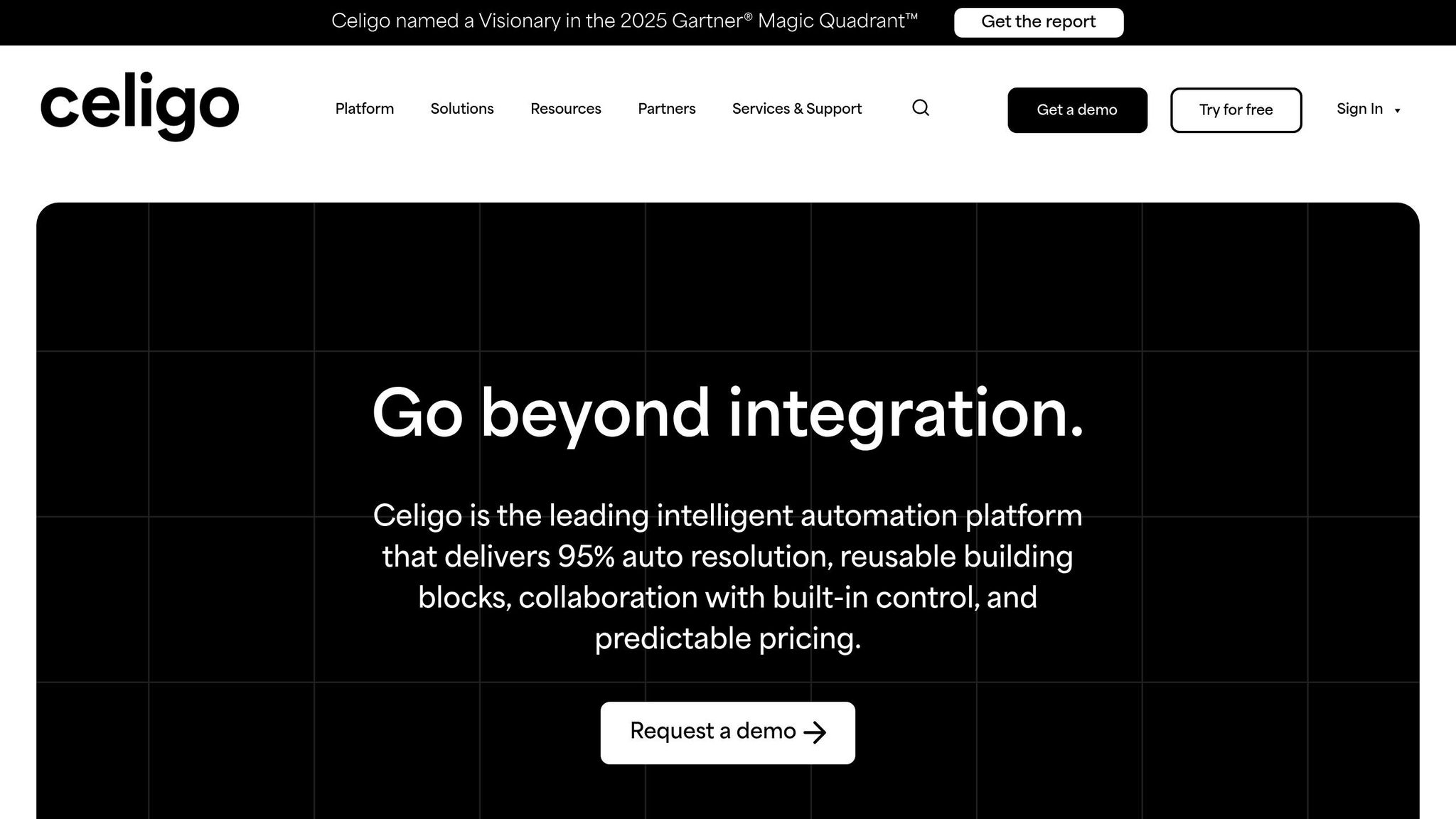
Celigo stands out as a robust solution for CRM integration, blending scalability, automation, and security into a single platform. It has earned recognition as a leader in the 2025 Gartner® Magic Quadrant™ for iPaaS and holds the top spot in the Spring 2025 iPaaS rankings [41]. Designed to tackle modern CRM integration challenges, Celigo offers a cloud-native platform that prioritizes seamless integration, intelligent automation, and enterprise-level security.
CRM Connectors
Celigo provides a suite of prebuilt connectors for popular CRM platforms like Salesforce, Microsoft Dynamics 365 CRM, and Zoho CRM. It also offers universal connectors that work with various protocols, including HTTP, FTP, JDBC, AS2, GraphQL, and Webhooks, ensuring compatibility across a wide range of systems. These connectors are particularly effective at integrating marketing automation tools, ERPs, and accounting software, creating a unified data environment.
The platform’s connectors have delivered impressive results. For instance, Amigo Mobility reported a 10x ROI and a 20–30% reduction in aged receivables [40]. Similarly, Lights4Fun leveraged Celigo’s integration to improve data accuracy, enabling better analysis and supporting business growth [40].
"When I looked at integrator.io, it was exactly what I was envisioning." – Jonathan Bell, Director E-commerce, Afloral [40]
This flexibility makes Celigo well-suited for handling growing data demands, ensuring it remains a reliable choice as businesses scale.
Scalability
Powered by AWS, Celigo is designed to scale effortlessly, handling workloads ranging from hundreds to millions of transactions while maintaining consistent performance and predictable costs [38]. For enterprises seeking additional control, the Celigo Private Cloud offers dedicated automation instances hosted in over 20 AWS data centers worldwide [52,56]. This setup accommodates regional data residency and compliance needs, while also providing multiple environments – such as development, testing, QA, pre-production, and production – to support diverse operational requirements. Advanced configuration options and concurrency controls ensure smooth performance as integration demands grow, reducing downtime and operational expenses [40].
Automation
Celigo’s automation features include AI-driven error management with a 95% resolution rate, intuitive monitoring tools, real-time alerts, and advanced data mapping capabilities [39]. These tools have proven instrumental for businesses like Designs for Health, which used Celigo to enhance customer service and drive revenue growth [40].
Security and Compliance
Security is a cornerstone of Celigo’s platform. It employs end-to-end encryption for data in motion and at rest, with data stored only temporarily during processing [59,62]. The platform supports advanced security practices like multi-factor authentication (MFA) and single sign-on (SSO), and it complies with key standards such as SOC2 Type II, GDPR, HIPAA, CCPA, and FERPA [42].
"Security first and shifting left are at the core of our values. This means that security is always a top priority in every decision we make and that we integrate security activities into the software development lifecycle from the beginning." – Rama Rao Kuppanadi, Senior Director of Engineering at Celigo [43]
To further enhance security, Celigo uses tools like SonarLint, SonarQube, npm Audit, and OWASP ZAP for early detection of vulnerabilities. Additional measures include AWS WAF, Qualys monitoring, and participation in HackerOne’s bug bounty programs [43].
User Experience
Celigo places a strong emphasis on usability, offering highly configurable and customizable integration options. Technical teams can fine-tune settings to meet specific needs, while intuitive monitoring and error management features provide clear insights into integration performance. Real-time alerts keep teams informed of any issues. For enterprises, the Private Cloud option ensures smooth deployments by offering multiple environments for development and testing, reducing the risk of errors in production [52,56].
Platform Comparison: Pros and Cons
When choosing an iPaaS platform, it’s essential to weigh your organization’s specific needs, expertise, and budget. Each platform has its own strengths and limitations, which can significantly influence your integration success. Here’s a breakdown of the key advantages and challenges for some leading platforms to help guide your decision-making process.
APPSeCONNECT is a budget-friendly option tailored for small to mid-sized businesses. Users appreciate its affordable pricing and responsive support team. However, as integration needs grow more complex, some users report difficulties with configuration and rising costs [45].
MuleSoft is a go-to solution for enterprises, offering robust API management and seamless Salesforce integration [44]. Its extensive ecosystem and scalability make it ideal for large organizations. That said, its steep learning curve and high, often unclear pricing can be barriers for some [46].
Boomi stands out for its AI-driven automation and B2B/EDI integration capabilities. It features a user-friendly interface, pre-built resources, and a supportive community [44][46]. While its entry-level pricing starts at $50 per month, enterprise-level implementations often require a much higher investment.
Workato is known for its comprehensive workflow automation with minimal reliance on IT teams, earning a 4.7/5 rating on G2 [47]. The platform scales effectively across businesses of various sizes and incorporates AI capabilities. However, advanced workflows can become complex, and its premium pricing may not suit smaller budgets [46].
Celigo offers rapid deployment with pre-built ecommerce and ERP integrations. Recognized as a leader in the 2025 Gartner® Magic Quadrant™ for iPaaS [44], it boasts an intuitive interface and strong customer support. Despite these advantages, more intricate integrations may require technical expertise, and its customization options are somewhat limited [46].
| Platform | Pros | Cons |
|---|---|---|
| APPSeCONNECT | Affordable pricing, attentive support, quick implementation | Configuration challenges, rising costs with complexity, limited community resources |
| MuleSoft | Enterprise-grade API capabilities, high scalability, strong Salesforce integration | Steep learning curve, high pricing, unclear cost structure |
| Boomi | AI-driven automation, user-friendly interface, strong B2B/EDI capabilities | Limited depth for complex scenarios, expensive for large implementations, complex pricing |
| Workato | Minimal IT reliance, scalable automation with AI, highly rated user experience | Advanced workflows can be challenging, premium pricing may strain smaller budgets |
| Celigo | Fast deployment, pre-built integrations, user-friendly interface, strong support | Requires technical expertise for complex setups, limited customization options |
When deciding, consider your organization’s infrastructure, the complexity of your integration needs, and the technical resources available. For small to mid-sized businesses, APPSeCONNECT offers a cost-conscious solution with reliable support. Enterprises managing intricate API requirements might lean toward MuleSoft, while those prioritizing automation could explore Workato or Boomi. If rapid deployment is key, Celigo‘s pre-built solutions could be a strong contender.
Across all platforms, security is a top priority, with each offering robust encryption and compliance certifications. However, implementation complexity varies, so it’s crucial to assess your team’s technical expertise before making a final choice [46].
Conclusion
Selecting the right iPaaS platform for your CRM integration needs involves weighing factors like your organization’s size, technical expertise, and growth plans. The iPaaS market is booming, with projections estimating it will hit $78.28 billion by 2032 [1], highlighting just how essential these platforms have become for modern businesses. This growth points to the need for solutions tailored to specific organizational demands.
For small to mid-sized businesses, cost-effective platforms with quick implementation and strong support – like APPSeCONNECT – can be a great starting point. Larger enterprises with more intricate integration needs might turn to MuleSoft for its robust API management capabilities within the Salesforce ecosystem or Workato, which boasts a 4.7/5 rating on G2 for its comprehensive workflow automation [47]. Meanwhile, mid-market companies looking for fast deployment could explore Celigo, which specializes in pre-built SaaS integrations for ecommerce and ERP systems, though more complex customizations may require additional technical expertise.
Before making a decision, take a close look at your application stack and define your integration requirements. Running a pilot project is a smart way to assess factors like implementation speed, system performance, and ongoing maintenance needs. Given that 95% of organizations encounter integration challenges [2], selecting the right platform is critical for achieving long-term success.
Prioritize platforms offering pre-built connectors for your existing systems, real-time integration for essential processes like order management or lead routing, and advanced security features such as role-based access and data encryption [48]. With Gartner predicting that by 2025, 70% of new apps will be developed using low-code or no-code tools [49], it’s wise to choose a platform that balances simplicity with scalability to support your future growth.
FAQs
How can I choose the best iPaaS platform for integrating my CRM?
Choosing the Right iPaaS Platform for CRM Integration
Selecting the best iPaaS platform for your CRM integration starts with understanding your business’s unique needs. Take stock of the applications you rely on, the data you need to synchronize, and the workflows you aim to streamline. It’s a good idea to focus on platforms offering pre-built connectors for your CRM and other essential tools. Additionally, ensure they support common API protocols like REST and SOAP for smooth compatibility.
Another key consideration is scalability. You’ll want a platform that can grow alongside your business, accommodating increasing data volumes and the addition of new applications. A user-friendly interface is also a big plus – especially if it includes low-code or no-code options. This makes it easier for both technical experts and non-technical team members to set up and manage integrations without unnecessary complexity. Lastly, don’t overlook security. Opt for platforms with robust security measures that adhere to regulations and safeguard sensitive customer information.
What security features should you prioritize in an iPaaS platform for CRM integration?
When choosing an iPaaS platform for CRM integration, it’s crucial to focus on security features to protect sensitive data and meet compliance requirements. Here are some key features to consider:
- Data Encryption: Protects your data both during transmission and while it’s stored, keeping it safe from unauthorized access.
- Role-Based Access Controls: Restricts data access based on user roles, ensuring only the right people can view or modify sensitive information.
- Audit Trails: Monitors user activity, offering a clear record of who accessed data and what actions were performed – essential for spotting potential security issues.
- Compliance Support: Assists in meeting regulations like GDPR or HIPAA, helping your organization align with necessary legal standards.
By prioritizing these features, you can ensure your CRM integration is secure, compliant, and dependable for your business operations.
How do iPaaS platforms help businesses save money and boost efficiency in CRM integration?
iPaaS platforms offer a smart way for businesses to save money and work more efficiently by automating CRM integration processes. Instead of relying on manual coding or juggling multiple tools, companies can centralize these tasks into a single platform. This not only reduces the costs associated with maintaining custom-built solutions but also simplifies how systems are managed overall.
Another standout feature of iPaaS solutions is their low-code or no-code interfaces, which make it quicker and easier to deploy integrations. This gives IT teams more time to focus on bigger projects rather than routine tasks. Plus, with real-time data synchronization, teams always have the most current information at their fingertips, leading to better collaboration and smarter decisions. For businesses looking to scale and fine-tune their CRM systems, iPaaS provides a cost-efficient and flexible solution.
Related Blog Posts
- How to Choose the Right CRM: A Step-by-Step Guide
- 5 Common CRM Integration Problems and Their Solutions
- CRM-ERP Integration: Workflow Automation Benefits
- Best Practices for CRM-ERP API Integration

CRM & ERP Enterprise Technology Expert and Entrepreneurial Executive with 20+ years of leading CRM, ERP, Customer Experience, and Block-chain initiatives and projects across internal and customer facing technologies. Proven success in closing large deals in Pre Sales customer facing engagements and deploying enterprise wide CRM & Customer Experience solutions internationally and domestically.