
Looking for the perfect CRM for your small business in 2025? Here’s a quick breakdown of the top options, their standout features, and pricing:
- HubSpot CRM: Free plan available, user-friendly, and great for growing businesses. Paid plans start at $15/month but can get expensive for advanced features.
- Salesforce Essentials: Powerful tools for small teams with AI features. Costs $25/user/month, but has a steeper learning curve.
- Zoho CRM: Budget-friendly, starting at $14/month, with strong automation and customization options. Great for scaling businesses.
- Freshsales: AI-driven lead scoring and simple setup. Free plan available; paid plans start at $15/user/month.
- CRM Experts Online: Tailored solutions with advanced AI but higher upfront costs ($250–$4,500/month).
Quick Comparison Table
| CRM Platform | Starting Price | Key Features | Best For |
|---|---|---|---|
| HubSpot CRM | Free/$15/month | Unified tools, 500+ integrations | All-in-one platform for growth |
| Salesforce Essentials | $25/user/month | AI tools, lead management | Sales-focused small teams |
| Zoho CRM | $14/user/month | Customization, automation | Affordable, scalable solutions |
| Freshsales | Free/$15/user | AI lead scoring, built-in tools | Lead generation and engagement |
| CRM Experts Online | $250–$4,500/month | Tailored AI solutions, full support | Custom needs, larger budgets |
Key Takeaway: Choose a CRM based on your budget, team size, and growth plans. HubSpot and Zoho are great for affordability and scalability, while Salesforce and Freshsales excel in sales tools. For advanced AI and custom solutions, consider CRM Experts Online.
Top 5 CRM Software for Small Business
1. HubSpot CRM
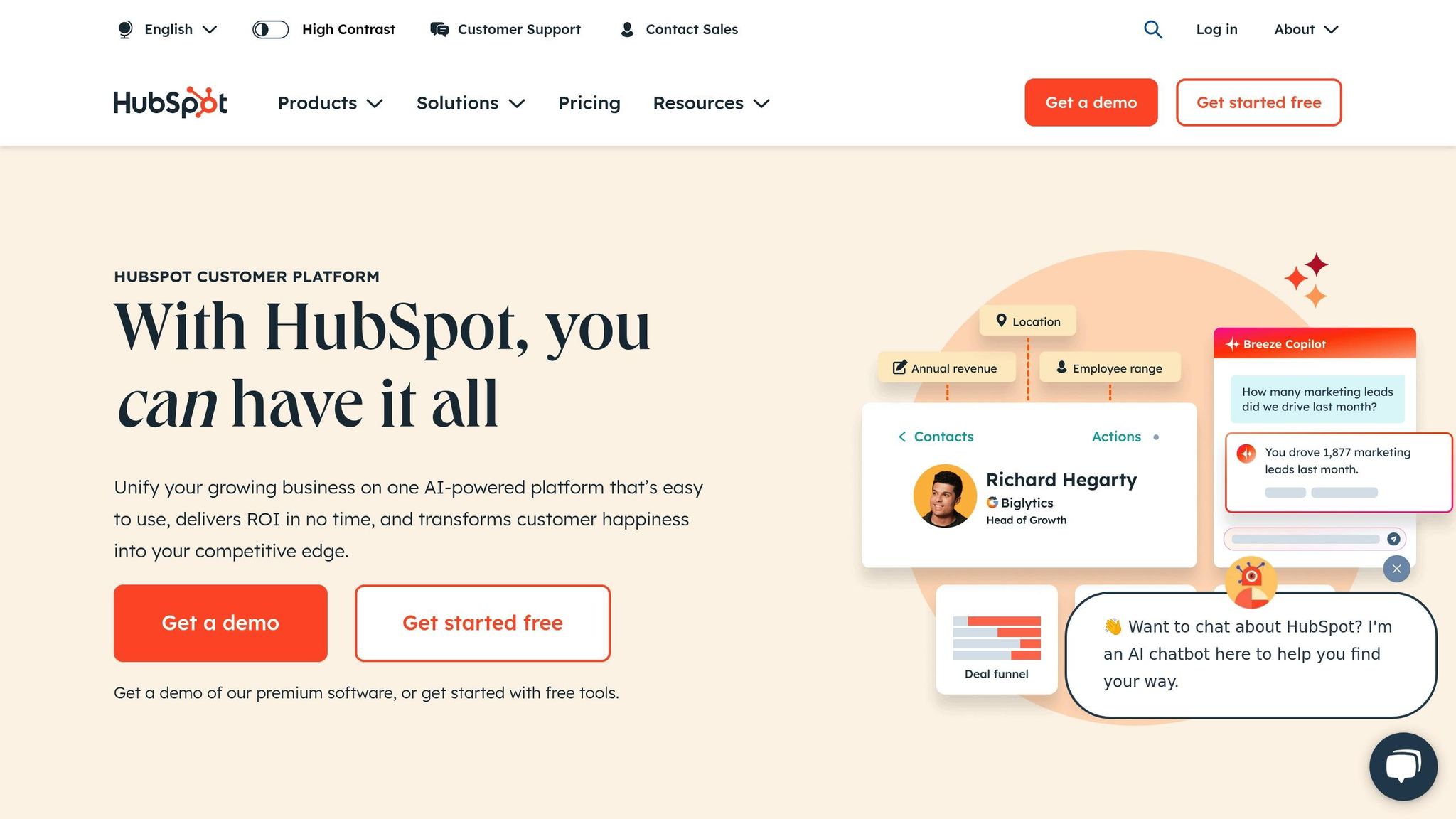
HubSpot CRM brings marketing, sales, and customer service together in one place with a unified dashboard, helping businesses keep a single, clear view of their customers [3][2]. On top of that, its AI-powered automation tools help streamline daily tasks and improve how teams work.
For instance, HubSpot’s automation features have helped 88% of small and medium businesses improve their efficiency [4]. A great example? 2030 Builders saved around $50,000 annually by optimizing contact management and automating their sales pipeline [4].
Pricing Plans
HubSpot offers several pricing tiers to fit different business needs:
| Plan | Monthly Cost (Annual Billing) | Key Features |
|---|---|---|
| Free | $0 | Basic SEO, 2,000 emails/month, live chat, 2 custom dashboards |
| Starter | $15/user | 1,000 custom properties, 10 dashboards, payment processing |
| Professional | $1,170 (5 users) | Custom reporting, social media tools, A/B testing, forecasting |
| Enterprise | $4,300 (7 users) | Advanced AI tools, custom objects, 10,000 marketing contacts |
Teajai Kimsey, a digital marketing expert, shared their experience with HubSpot:
"As a HubSpot user for nearly a decade, I’ve witnessed numerous positive changes and expansions to the platform. Most recently, HubSpot revised its pricing structure, allowing all users to access features that were previously available only in higher-tier plans without incurring additional costs." [2]
Key Considerations
HubSpot’s free plan is a great starting point for beginners, offering plenty of tools to get started. However, the advanced plans come with a hefty price tag, including onboarding fees (around $3,000 for the Professional plan and $7,000 for Enterprise) [5]. Its list segmentation tools also allow for highly targeted campaigns [2].
While its Trustpilot rating sits at 2.6/5, success stories offer a different perspective. For example, one digital marketing agency reported a 1.7X increase in sales and an additional 80 leads per month after adopting HubSpot [3].
2. Salesforce Essentials
Salesforce Essentials delivers CRM tools tailored for small businesses, offering a simplified version of Salesforce’s enterprise-grade capabilities [3].
Core Features and Capabilities
This platform is designed with small teams in mind, offering easy setup and customization without requiring IT expertise [1]. It combines essential functionality with room for growth, making it a solid choice for businesses scaling their operations [3].
| Feature Category | Included Capabilities |
|---|---|
| Sales Tools | Lead management, contact tracking, sales forecasting |
| Customer Service | Help center, case management, service automation |
| Security | Enterprise-level security standards |
| Updates | Three automatic platform upgrades annually |
| AI Integration | Automated data entry, predictive analytics |
Pricing Structure
Salesforce Essentials is available for $25 per user per month (billed annually) for teams of five or fewer. This price includes both the Sales and Service clouds [7]. While slightly more expensive than competitors like HubSpot Sales Hub ($23 per user/month), it grants access to Salesforce’s robust ecosystem and tools [7].
AI-Powered Automation
The platform’s AI tools help reduce manual tasks and optimize workflows by providing:
- Automated lead management
- Smart customer segmentation
- AI-enhanced sales forecasting
- Intelligent workflow optimization
Performance Considerations
Despite its strengths, user reviews point to some issues. On Trustpilot, Salesforce Essentials has a 1.2 out of 5-star rating, with 84% of reviewers mentioning concerns about system performance and customer support [2].
Integration Ecosystem
Salesforce Essentials shines when it comes to integration. Small businesses can connect seamlessly with Salesforce’s broader app network, enabling enhanced CRM functionality and additional customization options [3][6].
3. Zoho CRM
Zoho CRM is a popular choice for small businesses, offering a mix of useful features and affordable pricing. With a Trustpilot rating of 4.3/5 from nearly 5,000 users, it has earned a reputation as a dependable CRM option for businesses looking to grow and scale [2].
Key Features and AI Capabilities
Zoho CRM incorporates advanced AI tools through its Zia assistant, designed to simplify tasks and provide predictive insights [8]. Here’s what the platform brings to the table:
| Feature Category | What It Offers |
|---|---|
| AI Analytics | Predicts leads, forecasts deals, detects anomalies |
| Automation | Streamlines workflows, generates macros with AI |
| Customer Engagement | Smart chatbots, engagement timing optimization |
| Sales Tools | Manage pipelines, score leads, track inventory |
| Integration | Links with Zoho apps and third-party tools like Google Workspace, Shopify, and DocuSign |
Pricing Options
Zoho CRM has one of the most affordable pricing structures, including a free plan for up to three users [9]:
| Plan | Annual Price (per user/month) | Monthly Price (per user/month) |
|---|---|---|
| Free Edition | $0 (up to 3 users) | $0 (up to 3 users) |
| Standard | $14 | $20 |
| Professional | $23 | $35 |
| Enterprise | $40 | $50 |
| Ultimate | $52 | Annual billing only |
These pricing tiers make Zoho CRM an attractive option for businesses working within a budget.
Expert Insight
Digital Marketing Expert Teajai Kimsey highlights the platform’s versatility:
"Zoho is a well-rounded CRM with features that can adapt to any company’s focus and needs. They have grown substantially over the last five years and are an excellent choice for companies that are growing and want to scale upwards" [2].
This endorsement emphasizes Zoho CRM’s ability to support businesses as they expand.
Performance and Customization Features
Recent updates have improved the platform’s ease of use and expanded its automation tools [8]. Key features include:
- Customizable layouts and fields
- Advanced workflow automation
- Support for multiple currencies – ideal for global businesses
- Sophisticated sales forecasting tools
- Inventory management capabilities
Integration Capabilities
Zoho CRM integrates seamlessly with both its own suite of apps and external tools [2]. This flexibility allows businesses to build workflows tailored to their unique needs.
Areas for Improvement
While Zoho CRM delivers in many areas, some users have noted slower customer support responses [2]. However, its detailed documentation and robust features often make up for this drawback, especially for small businesses.
sbb-itb-f02ae4e
4. CRM Experts Online
CRM Experts Online delivers enterprise-level CRM solutions tailored to fit unique business needs. With advanced AI features, the platform helps businesses manage customers, track sales, and streamline workflows.
AI-Powered Features
The platform integrates AI to handle important tasks efficiently:
| AI Feature | Business Impact |
|---|---|
| Predictive Lead Scoring | Pinpoints high-value sales opportunities using data from various sources |
| Automated Task Management | Simplifies routine tasks like data entry and scheduling |
| Customer Interaction Analysis | Examines website activity, purchase history, and social media to generate useful insights |
| Smart Follow-ups | Creates automated, personalized email sequences and reminders |
Service Tiers and Pricing
CRM Experts Online offers plans to suit businesses of different sizes and needs:
| Plan | Monthly Cost | Key Features | Best For |
|---|---|---|---|
| Comprehensive Support | $4,500 | Full AI integration, unlimited live training, dedicated team | Businesses seeking a complete CRM overhaul |
| Managed Support | $1,300 | CRM development, consulting, limited AI features, shared project manager | Mid-sized teams needing balanced support |
| Self-Guided | $250 | Basic CRM tools with access to a knowledge base | Small teams with technical skills |
These plans include services to ensure smooth integration and ongoing support.
Implementation and Support
CRM Experts Online provides a complete range of services, including:
- System analysis and design to identify specific business needs
- Custom development tailored to your requirements
- Seamless integration with existing tools
- Ongoing support for maintenance and updates
- Staff training to ensure your team can maximize the platform’s capabilities
These services help businesses make the most of the platform’s AI-driven tools.
AI Integration Benefits
Research shows that incorporating AI improves data processing and enhances operational efficiency [11].
Enterprise Integration
The platform works seamlessly with major tools like Salesforce, Zoho, and NetSuite. This compatibility allows businesses to scale effectively while improving existing workflows.
Cost Considerations
Although the upfront cost is higher than standard CRM solutions, the custom design eliminates recurring licensing fees, offering long-term savings [10].
Expert Insight
Recent industry analysis indicates that 87% of executives expect generative AI to augment job roles rather than replace them, while 80% of business leaders cite explainability, ethics, bias, or trust as major concerns during generative AI adoption [12].
5. Freshsales
Freshsales is a CRM platform that uses AI to streamline sales processes. Powered by Freddy AI, it simplifies lead qualification and enhances engagement strategies.
AI-Driven Features
Freddy AI evaluates customer interactions to pinpoint promising leads and recommends tailored engagement plans. This approach speeds up lead qualification by 50% compared to traditional methods [14][16].
Pricing Options
| Plan | Monthly Cost* | Key Features | Ideal For |
|---|---|---|---|
| Free | $0 | Basic contact management, phone/email | Startups and small teams (up to 3 users) |
| Growth | $15/user | AI lead scoring, sales sequences | Growing small businesses |
| Pro | $39/user | Multiple pipelines, advanced analytics | Mid-sized sales teams |
| Enterprise | $69/user | Customization, dedicated support | Large organizations |
*Pricing reflects annual billing [13].
Key Features
Freshsales offers a range of tools to boost sales team efficiency, including:
- Integrated communication tools: Combines phone and email functions.
- AI lead scoring: Automatically ranks prospects based on engagement levels.
- Sales automation: Includes customizable email templates and sequences.
- Multi-currency support: Simplifies international transactions.
- Social media integration: Enhances customer tracking and engagement.
Client Feedback
"One of the most potent tools that Freshsales has is its sales sequence automation; it allows me to schedule many emails and SMS in bulk to ensure that the marketing campaigns are sent in a timely manner so we can reach the most clients, it is highly advantageous and it allows me to customize all the campaigns so I can make it more personalized for different prospects that want or are looking for something different from one another." – Esther M., Freshsales Client [16]
Performance Insights
Businesses using Freshsales report revenue increases of 5–15% and cost savings of 10–20%. Its predictive analytics also boast a 70% accuracy rate in identifying buying signals [15][16].
Integration Options
While Freshsales includes a robust set of built-in tools, its third-party integration options are more limited than some competitors.
Mobile Functionality
The Freshsales mobile app provides essential CRM features for sales teams on the move. However, some users note that the mobile version has fewer capabilities compared to the desktop platform. Despite this, its overall functionality makes it a strong contender in the CRM market.
Direct Comparison: Strengths and Limitations
Here’s a side-by-side look at how these CRM platforms stack up, helping small businesses decide which one fits their needs best.
| CRM Platform | Key Strengths | Key Limitations | Best Suited For |
|---|---|---|---|
| HubSpot CRM | Free plan, 500+ integrations, easy-to-use, unified tools | High cost for paid plans ($880/month+), cheaper options exist | Small businesses seeking an all-in-one platform that can grow with them |
| Salesforce Essentials | Comprehensive features, regular updates, strong analytics | 10-user limit, steep learning curve, $25/user/month pricing | Sales-driven teams needing advanced functionality |
| Zoho CRM | Budget-friendly ($14/month), customizable, automation tools, 4.3/5 Trustpilot rating | Outdated interface design | Businesses looking for affordable, feature-rich tools |
| Freshsales | AI-driven lead scoring, built-in phone/email, free for up to 3 users | Fewer third-party integrations | Teams focused on lead generation and AI-driven insights |
This table provides a clear snapshot of each platform’s strengths and potential drawbacks.
Performance Insights
AI tools are driving measurable results. Businesses using AI in their CRM have seen 40% productivity growth, 25% better forecasting, and 20% higher customer spending [19].
Expert Opinion
Experts consistently highlight Zoho CRM as a strong choice for businesses planning to scale, thanks to its balance of affordability and features.
AI Capabilities Comparison
Each platform offers unique AI features:
- HubSpot: Uses Breeze Copilot for tasks like email writing and lead scoring.
- Salesforce: Employs Einstein AI for analyzing customer behavior.
- Zoho: Integrates Zia AI for automating workflows.
- Freshsales: Features Freddy AI for lead tracking and actionable recommendations.
These AI tools not only enhance productivity but also influence how each system connects with external tools.
Integration Ecosystem
Integration flexibility varies across platforms:
- HubSpot leads the pack with over 500 integration options [17].
- Salesforce offers a wide range of integrations, though they can be complex to set up.
- Zoho focuses on seamless native integrations within its ecosystem.
- Freshsales emphasizes essential integrations tailored for small businesses.
User Experience Considerations
Personalization is key, with 80% of consumers preferring tailored experiences [19]. Here’s how each platform fares:
- HubSpot: Known for its intuitive interface, making it easier to navigate compared to Salesforce [18].
- Salesforce: Offers powerful tools but comes with a steeper learning curve.
- Zoho CRM: Maintains strong user satisfaction with a 4.3/5 Trustpilot rating [2].
- Freshsales: Stands out for its quick setup and simple, user-friendly design.
These insights, based on data as of March 2025, underline how CRM platforms continue to evolve to meet the needs of small businesses.
How to Choose the Right CRM
When selecting a CRM, it’s important to align the tool with your business goals and future plans. Teajai Kimsey emphasizes:
"Ease of use is key when looking for the right CRM for your business. Your CRM software should offer user-friendly, intuitive interfaces and features and allow you to build custom workflow automations that help streamline customer support and client relations for your team." [2]
Here are the main factors small businesses should consider when evaluating a CRM.
Key Criteria to Consider
| Factor | What to Look For | Why It Matters |
|---|---|---|
| Cost Structure | $10–50 per user/month for small business tools | Keeps costs manageable while scaling |
| Scalability | Cloud-based setup, modular features | Adapts to growth without major changes |
| Integration | Compatibility with your existing tools | Ensures smooth workflows |
| Security | Encryption, compliance standards | Safeguards sensitive customer data |
| Support Options | Training resources, self-help tools | Speeds up onboarding and reduces costs |
Maximizing ROI
A well-chosen CRM can deliver up to 245% ROI and increase sales revenue by 29% [21]. To get the most out of your investment, focus on systems that include:
- Automated workflows to save time
- AI tools for lead scoring and prioritization
- Customizable reporting to track performance
Tailored Solutions for Your Industry
Kelly Main, Staff Reviewer, advises:
"When shopping for a CRM, consider flexibility and ease of use so that you can customize the CRM to fit your exact needs – because a CRM is only useful if it has what you and your team need." [2]
Look for a CRM that can be adjusted to meet the specific demands of your industry and business model.
Steps to Ensure a Smooth Implementation
- Map out your current workflows to understand your needs.
- Use free trials to test different CRMs.
- Choose a system that can grow with your business.
- Involve your team in the decision-making process for better adoption.
These steps will help you lay a solid foundation for success.
Weighing Costs and Benefits
With costs ranging from $10 to $50 per user each month, a CRM can significantly improve your business outcomes – boosting conversion rates by up to 300% and increasing sales team productivity by 34% [20][22].
Select a CRM that aligns with your industry needs and long-term goals. The right choice will balance your current requirements with room for growth while staying within budget.
Related Blog Posts
- 7 Essential AI Features Every Modern CRM Must Have
- How to Choose the Right CRM: A Step-by-Step Guide
- CRM Data Migration Guide: Best Practices and Tips
- Top 8 CRM Automation Tools for Marketing Teams

CRM & ERP Enterprise Technology Expert and Entrepreneurial Executive with 20+ years of leading CRM, ERP, Customer Experience, and Block-chain initiatives and projects across internal and customer facing technologies. Proven success in closing large deals in Pre Sales customer facing engagements and deploying enterprise wide CRM & Customer Experience solutions internationally and domestically.